Release Notes
New in Fred Dispense Plus
Fred Dispense Plus automatically applies both software and drug updates. No user intervention is required, but please ensure that your server PC is always switched on as automatic updates are applied outside of business hours.
'What's New?' Splash Pages
After each Fred Dispense Plus release, important new features included in that release will be displayed when you log in.
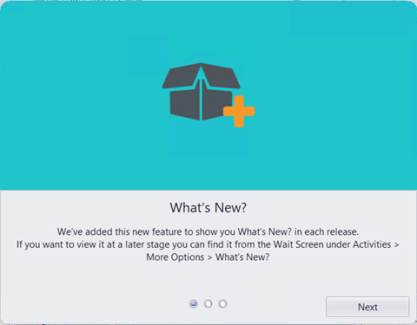
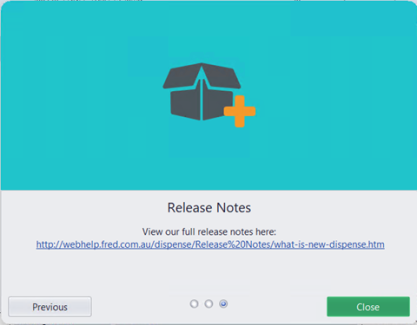
A link to the release notes will also be included on one of the pages.
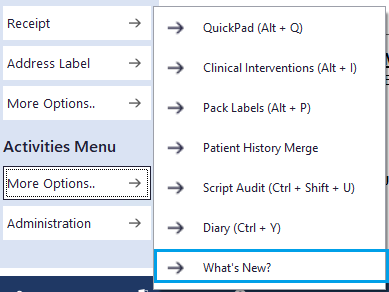
The What’s New? pages for the most recent release can be viewed at a later time from the Wait screen >Activities Menu >More Options >What’s New?.
Prescriber Bag Workflow changes
Simplifying the dispensing workflow, there is now no need to switch to Prescriber Bag mode to dispense Prescriber bag scripts.
Instead, search for your Prescriber in the Patient Search field, or create a new Prescriber Bag 'patient' if one does not exist. Fred Dispense Plus will automatically switch to Prescriber Bag mode to complete the script. When the Prescriber Bag script is completed, Fred Dispense Plus will automatically switch back to Dispense mode, ready to search for the next patient.
Existing Prescriber Bag prescribers will be added as a Prescriber Bag patient during the update so there is no need to create them.
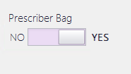
To create a new Prescriber Bag 'patient', create them as per the usual process and change the Prescriber Bag toggle to Yes.
Prescriber Bag 'patients' are also identified by the Bag icon in Patient Search.
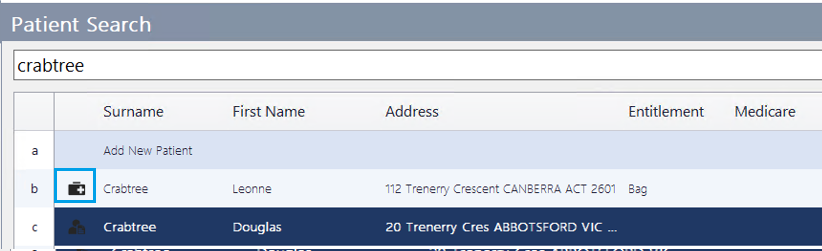
See Prescriber Bag for more information.
Fred To POS Output
Fred To POS output files can now be generated from Fred Dispense Plus to enable smoother integration with external POS systems.
Enhanced Password Management
Enhanced options for password security are now available for configuration in Fred Dispense Plus.
Drug Ranking by Number
This functionality is only available for stores not connected to a head office
As an alternative to the default option of using stock on hand and cost for drug ranking, users can now assign drug ranking by assigning a number from 0 to 9, where:
-
0 – used often
-
5 – average/default
-
9 - used rarely.
The higher the drug rank—that is, the lower the drug rank number—the higher it will appear in the drug search results.
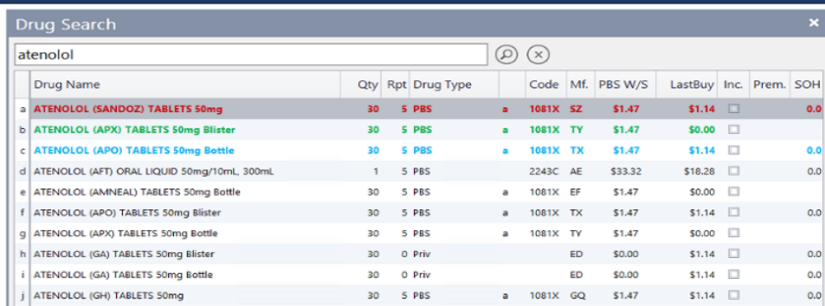
See Drug ranking for more details.
Fixes
Script Audit and cancelled scripts
Script audit now includes the event when a script is cancelled.
Drug notes for Prescriber Bag scripts
Drug notes are now displayed for prescriber bag scripts as expected.
Generic substitution using GB
Using GB for generic substitution no longer clears the Authority Number.
Owing report by prescriber
The owing report by prescriber now sorts by patient surname as expected.
 Search Tips
 Fred Learning Pathways