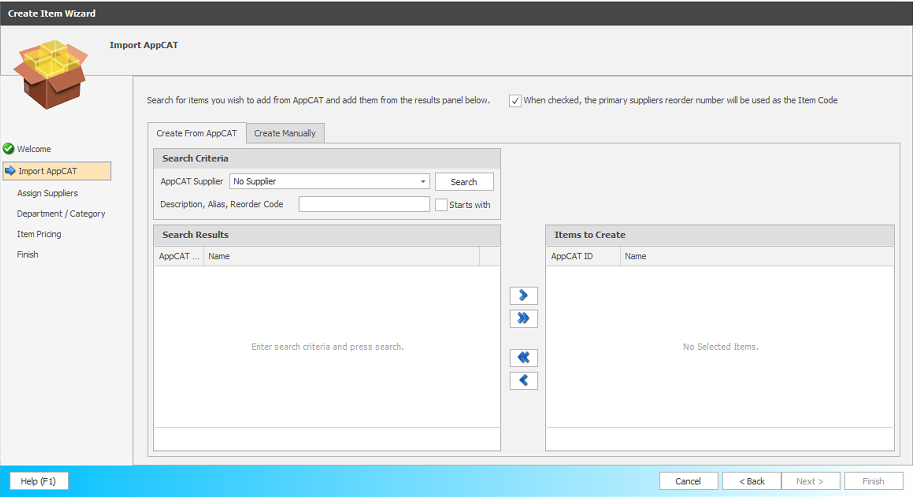
Create item wizard
The Create Item Wizard helps you quickly and accurately create new items in Fred Office Plus, guiding you through all required setup steps to reduce errors and ongoing maintenance issues. In addition, using the Wizard saves you time by allowing you to create items in bulk, rather than one at a time.
 Create Item Wizard - Add Single Items or Product Range
You can open the Create Item Wizard from the Inventory > Items toolbar.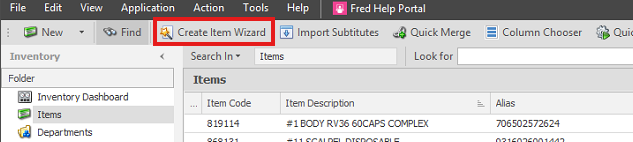
The wizard guides you through creating a new item(s) by prompting you to:
-
Match the item to AppCAT
-
Match the item to a drug (where applicable)
-
Assign suppliers
-
Set departments and categories
-
Add item aliases
-
Set item pricing
Completing these steps during item creation helps ensure your item data is consistent and reduces the risk of future data maintenance issues.