Reset your Fred NXT Password
Fred Identity
You can reset your Fred NXT password at any time.
Reset your Fred NXT Password
- Go to https://passreset.frednxt.com.au/
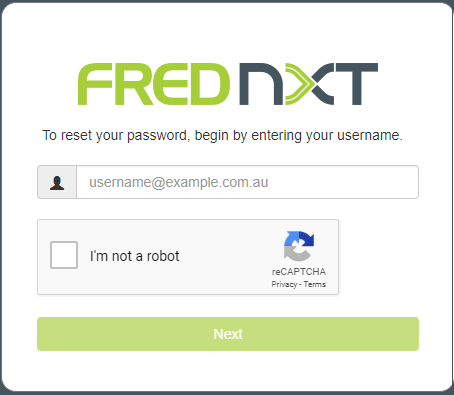
- Enter your Username.

- Tick I'm not a robot, then follow the instructions.
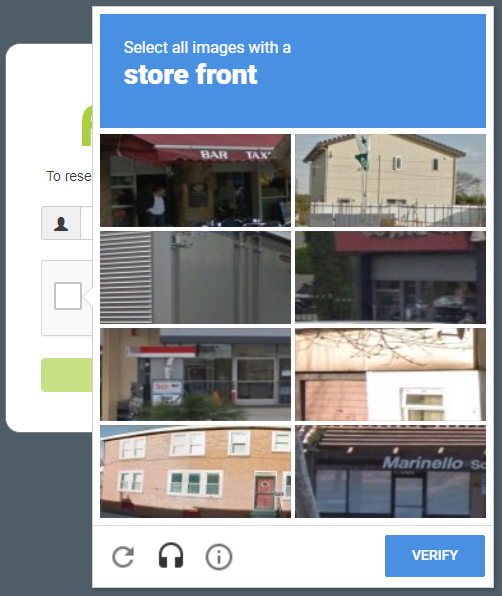
- Click Next when done.

- Enter your email address, then click Next.
This is different from your username - it is the email address you registered with.
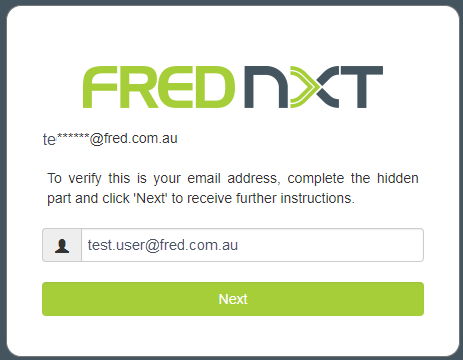
For your security, an email is sent to confirm that you want to reset your password.
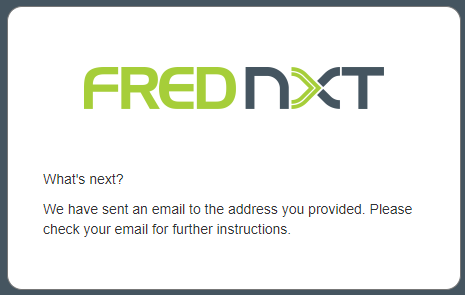
- To continue, click the Reset my password link in the email.
A success page is displayed in your browser.
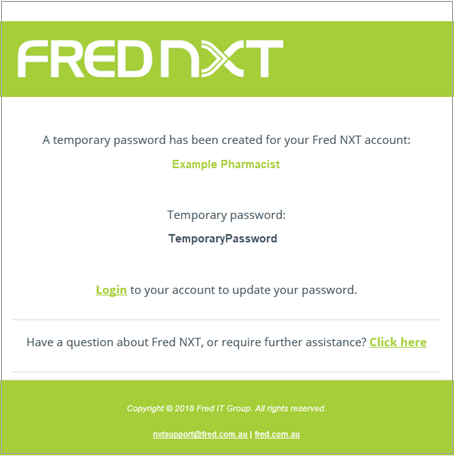
A temporary password is sent to your registration email.
- Click the link in the email to log into Fred NXT.
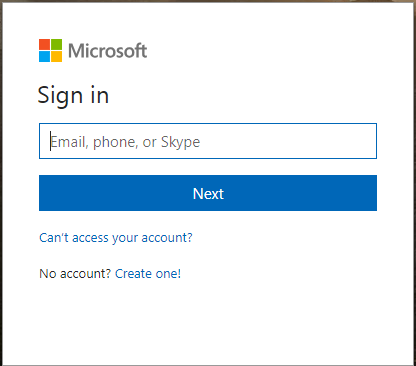
- Enter your User Name, then click Next.
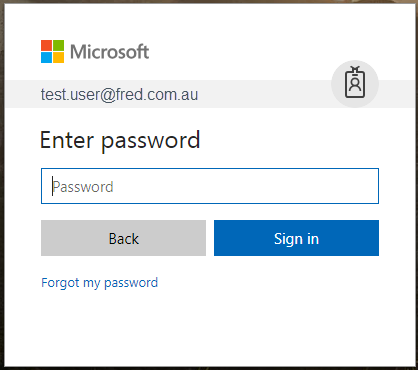
- Enter the temporary Password you received, then click Sign in.
You are prompted to set a new password.
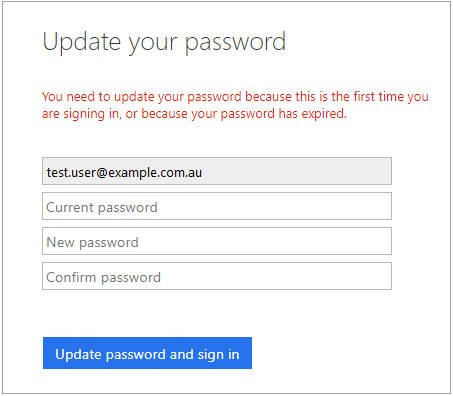
- In the Current password field, enter the temporary password you received.
- Enter a New password, then enter it again in the Confirm password field.
- Click Update password and sign in.
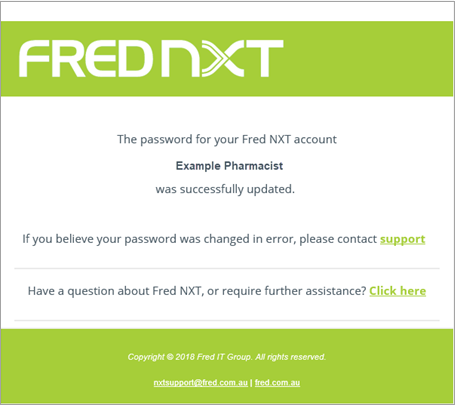
Your password is updated, and you are logged into Fred NXT.
 Search Tips
 Fred Learning Pathways