Customer returns at the till (Fred POS Plus)
POS Plus
You can process customer returns at the till, including return with receipt, return an individual item, perform an exchange.
Option 1: Return with Receipt (Recommended)
Log on using your cashier ID number.
Tap the Return/Void Menu hotkey.
Tap Recall Sale for refund.
Scan receipt or search for required transaction.
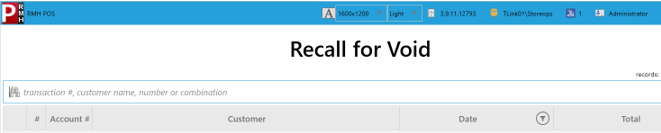
Double-click to select the required transaction.
The Tender screen displays, where you can complete the refund.
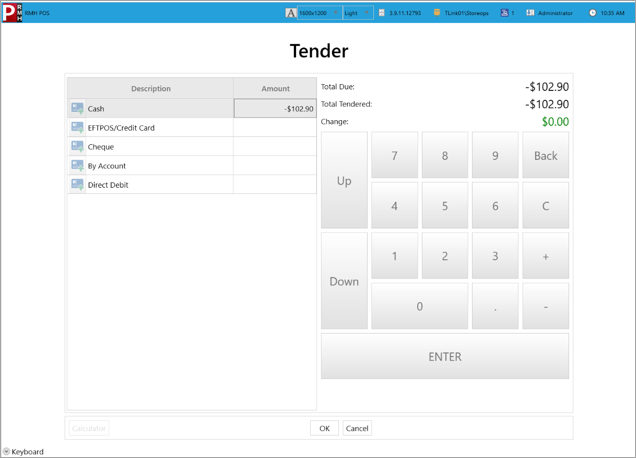
Press Enter on the keyboard to complete the transaction.
Option 2: Return Individual Item
Log on using your cashier ID number.
Tap the Return/Void Menu hotkey.
Tap the Return Items hotkey or press Ctrl + F4 on the keyboard.
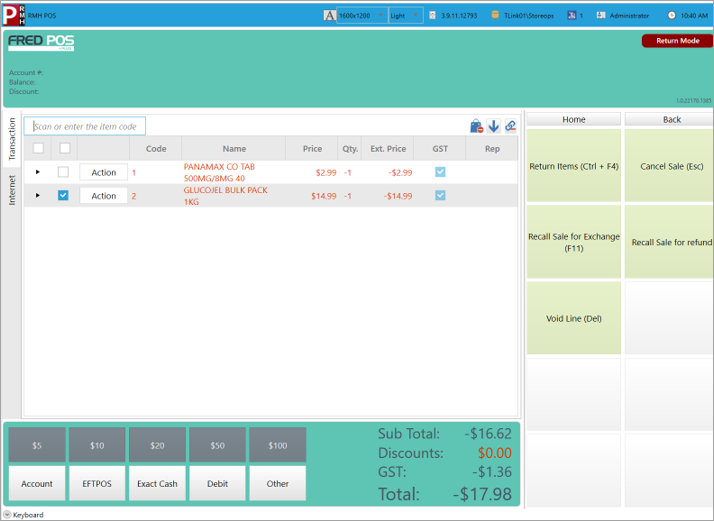
Scan the items to be returned.
Tender the sale as per regular procedure. See General selling at the till.
Option 3: Perform an Exchange (Sale & Return in a single transaction)
Tap Return/Void Menu hotkey.
Tap Recall Sale for Exchange hotkey or press F11.
Scan receipt or search for required transaction.
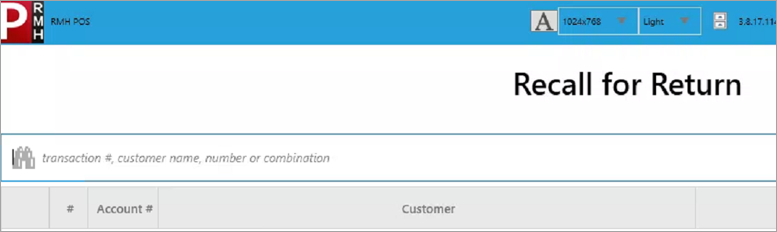
Double-click to select.
Return Mode will appear in red in the top right-hand corner of the screen to indicate you are in return mode.
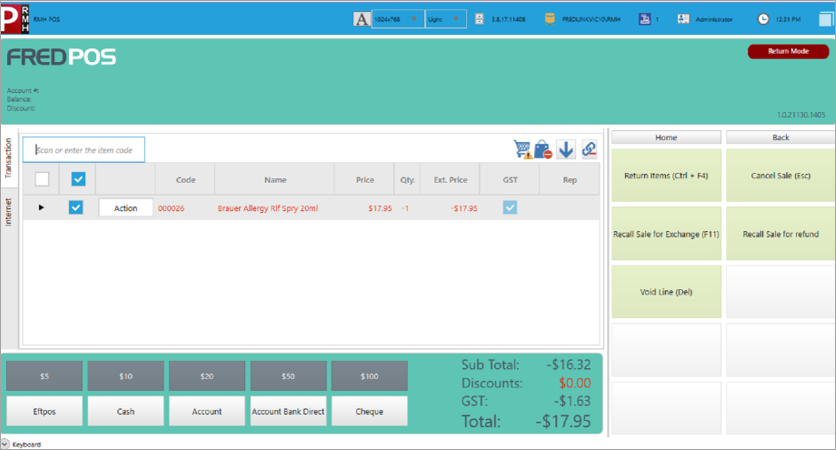
Scan any items to exchange.
Press Enter to finalise transaction.
Select tender type to return.
Press + key and tap Close.
 Return with Receipt