Add a Patient to Fred Pak Profiling
Fred Pak
Unlike Packing, a patient does not need to belong to a 'nursing home' in order to generate their Patient Medication Profile.
-
With the patient selected in Fred Dispense, press <SHIFT + F6> to enter Fred Pak.
Alternatively, click on the Fred Pak Icon (circled) found at the top of the Fred Dispense Screen to enter Fred Pak.

The Fred Pak patient details screen will display the first time the patient is entered into Fred Pak. The patient details will transfer across from Fred Dispense automatically. See Patient Details Screen for information on the Patient Details Screen.
The patient in the example below is not in a Nursing Home.
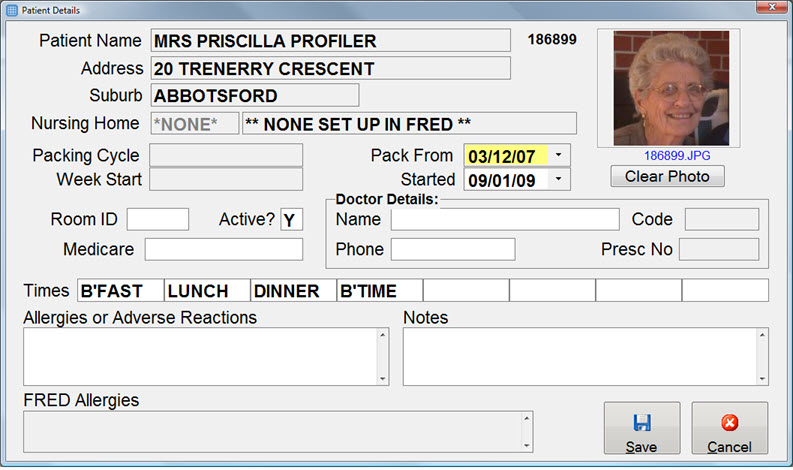
- Select Save or press <END> to exit the Patient Details Screen.