Reprint receipts at the till (Fred POS Plus)
POS Plus
Reprint Last Receipt
-
Tap End of Day Menu, then tap Reprint Last Receipt hotkey.
Reprint a Receipt for a Previous Sale
-
Tap End of Day Menu hotkey.
-
Tap View Journal hotkey.
-
Tap Search or press F4.
-
Tap Lookup.
-
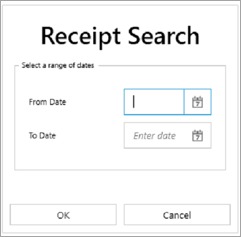
Select date range and tap OK.
-
Double-click receipt to preview.
-
Tap Print.
-
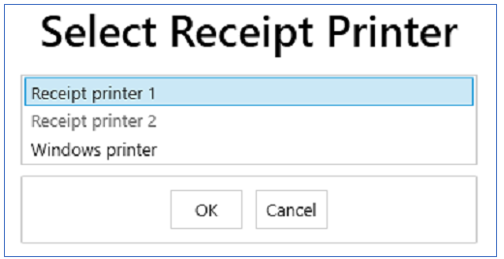
Select Receipt Printer 1 and tap OK.
-
Tap Close when finished.