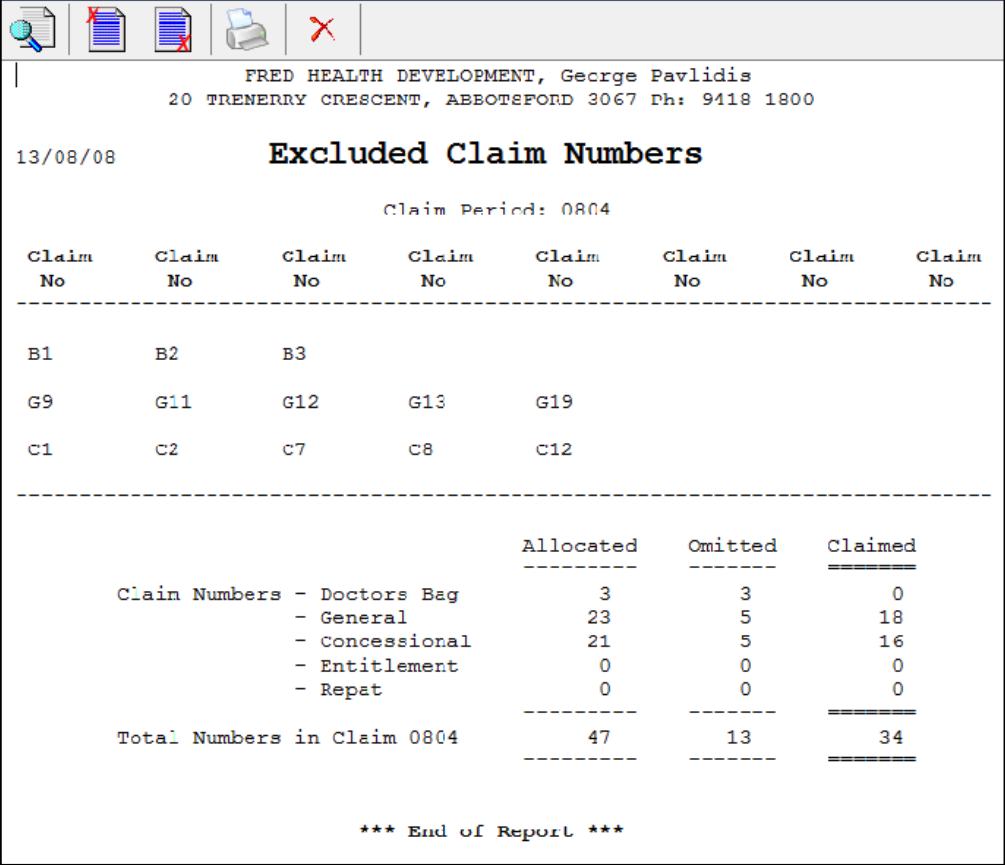
The Excluded Claim Numbers Report provides a summary of scripts excluded from the claim.
- From the Activities menu, select Pharmpay Claim ([Alt+C]), then select Excluded Claim Numbers Report ([E]).
The Excluded Claim Numbers Report window is displayed.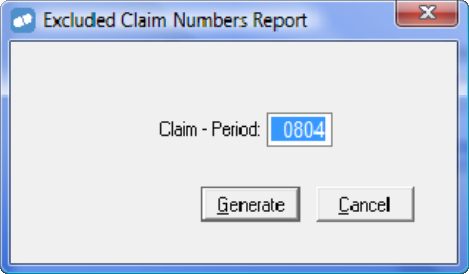
- The Claim Period defaults to the current period. You can enter a previous claim period if required.
- Select Generate, or press [Enter] or [G]) to generate the report.