Filter a Patient's MyHR Prescription and Dispense Records
In this topic
Group records together
From the Group By dropdown, you can select the following views:
- None (default): The events are displayed in chronological order.
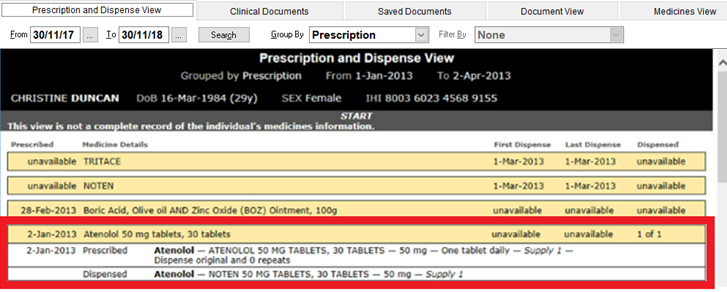
- Prescription: Events that relate to the same prescription are grouped together.
- Generic Name: Events are grouped alphabetically, by the name of their generic medication.
- PBS Item Code: Events are grouped by their PBS item code.
- Brand Name: Events are grouped alphabetically, by the brand name of their medication.
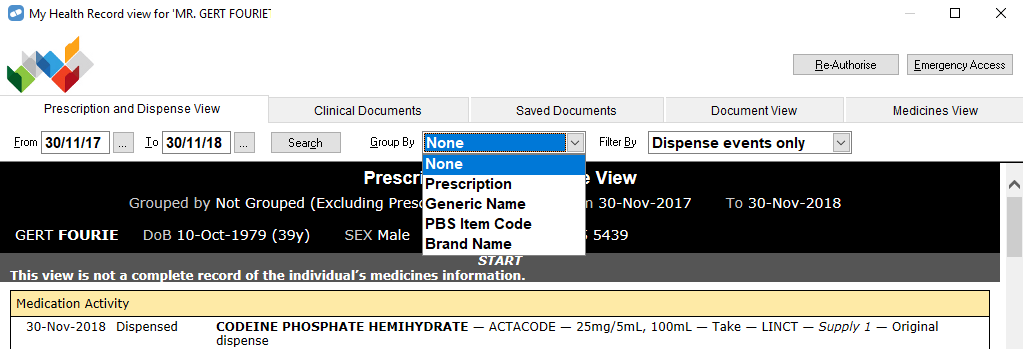
If you select an option from the Group By dropdown, the Filter By dropdown is disabled.
Filter by prescription or dispense events
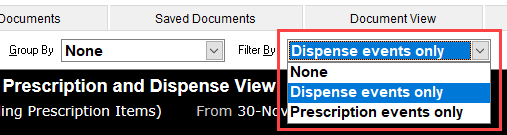
From the Filter By dropdown, you can select the following views:
- None (default)
- Dispense events only
- Prescription events only
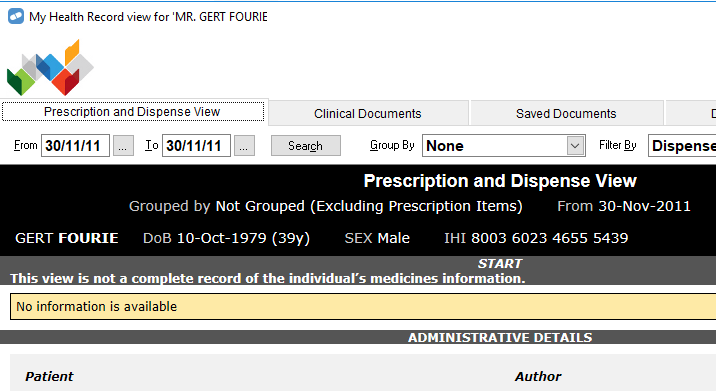
If your filter selection does not return any records, a message is displayed.
Expand and collapse events
By default, when events are grouped, they are displayed in collapsed view, with only the header of each group visible.
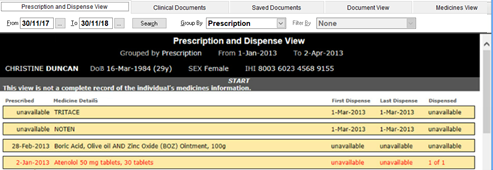
To expand a group and show all of its events, hover over the group until it turns red, then right-click it.