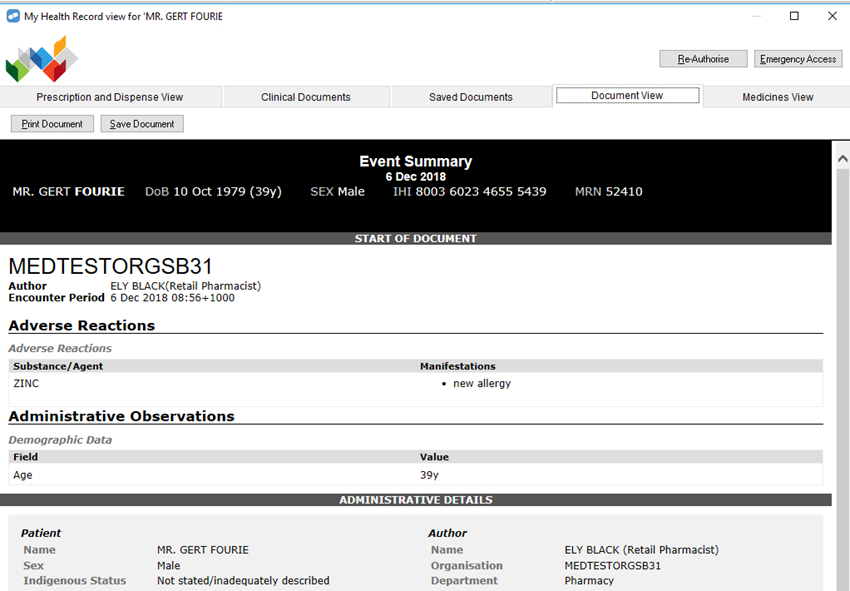
If a patient has an advertised My Health Record, and has provided consent for event summary (allergy) documents to be added to their My Health Record, you can view, add, update, and remove allergy event summary documents in their My Health Record.
When you select a patient, press [F8] to open the Patient Details window. If they have provided consent for allergy documents to be added to their My Health Record, the My Health Record Event Summary Consent checkbox will be ticked.
Unless a patient has set up restrictions on their My Health Record, you can view their event summaries in Fred Dispense.
- Search for and select the patient.
- On the Fred Dispense toolbar, click the My Health Record icon.
The My Health Record View window is displayed.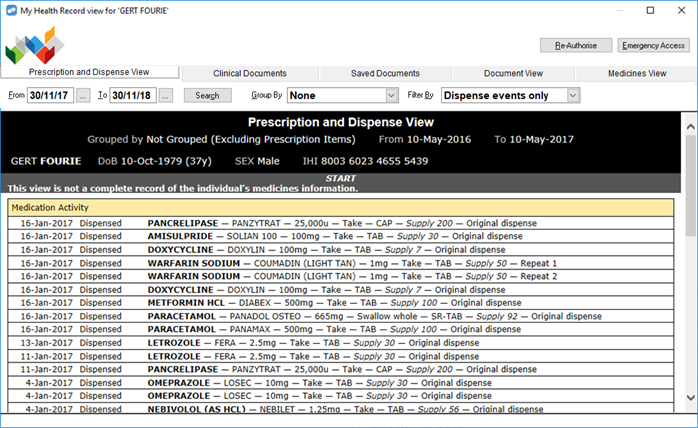
- Select the Clinical Documents tab.
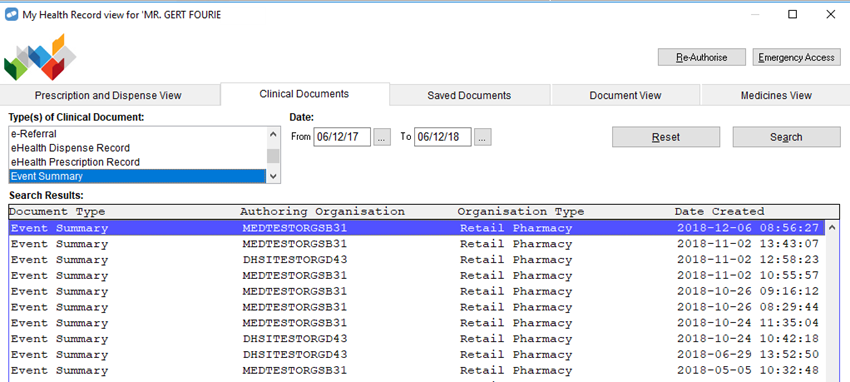
- In the Type(s) of Clinical Document section, select Event Summary.
- Click Search.
Fred Dispense requests a list of event summaries from the patient’s My Health Record. - Once the list has been retrieved, double-click an event summary listing to display the document.