In order to use the AusDI integration in Fred Dispense, you must first subscribe to AusDI.
-
Click the AusDI icon in the Fred Dispense toolbar.

The AusDI Subscription page opens in your browser.
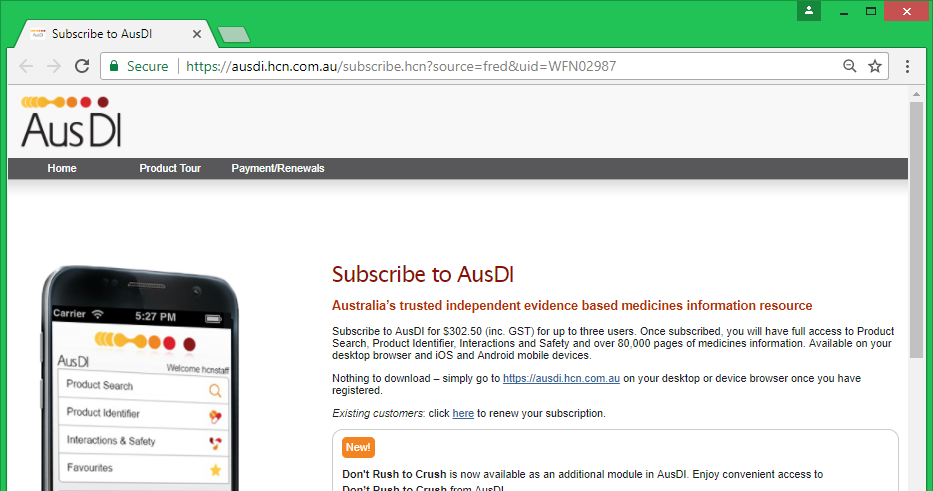
The registration form is populated with your pharmacy's user details if Fred Dispense is able to provide them.
-
Complete and submit the registration form.
After you complete the registration, AusDI sends you a confirmation email with your username and password.
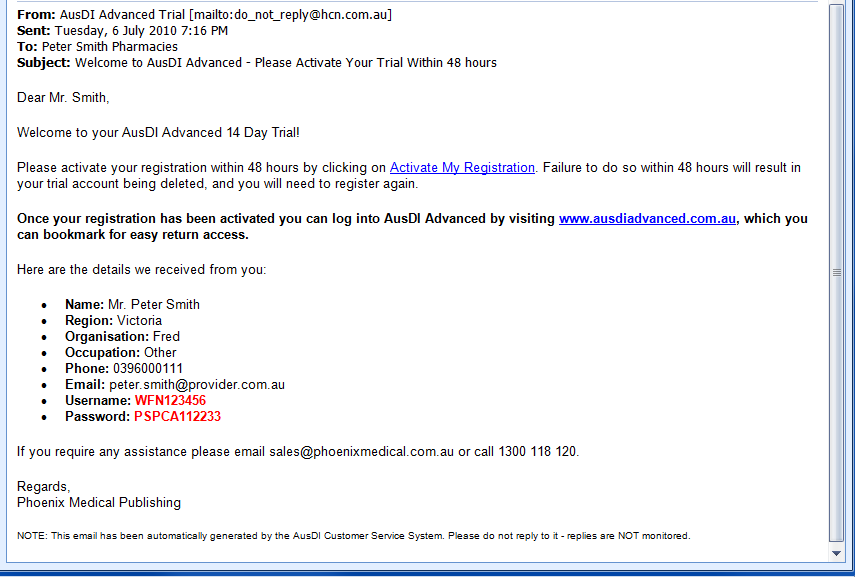
- Click the link in the email and follow the instructions to activate your registration on the AusDI website.
-
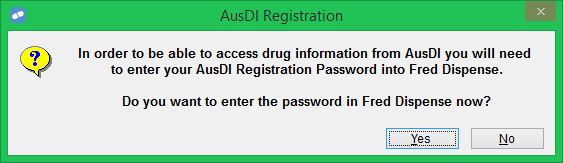
In Fred Dispense, you are prompted to enter your AusDI password. Click Yes.
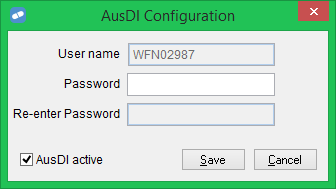
The AusDI configuration screen is displayed.
-
Enter the password from your registration confirmation email.
If you want AusDI to appear on the Drug Information Request screen, tick AusDI active.
- Click Save.